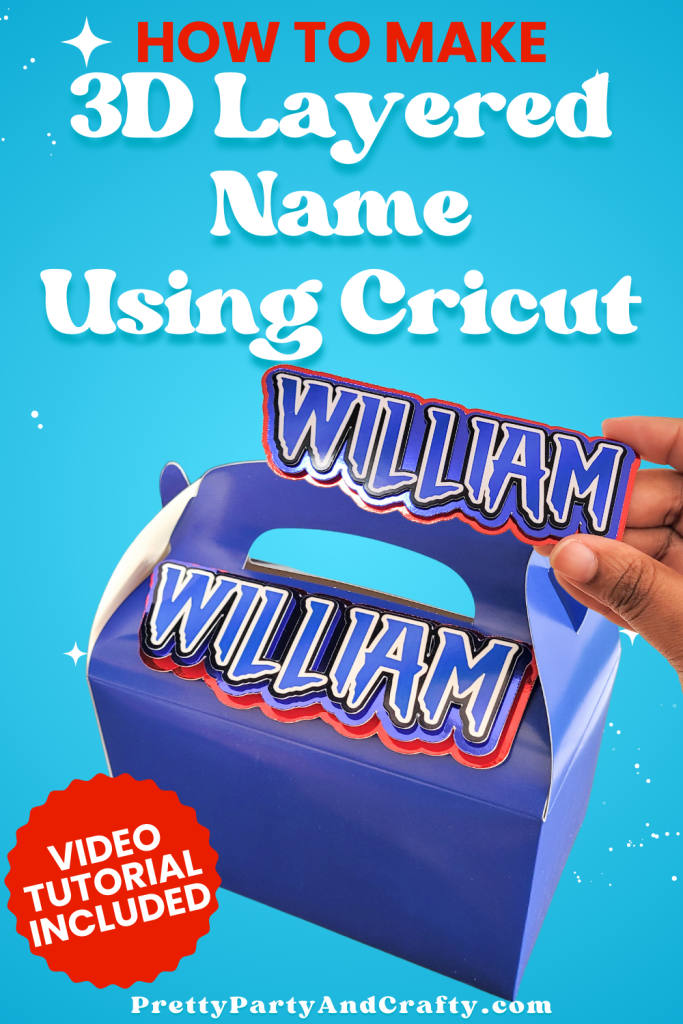
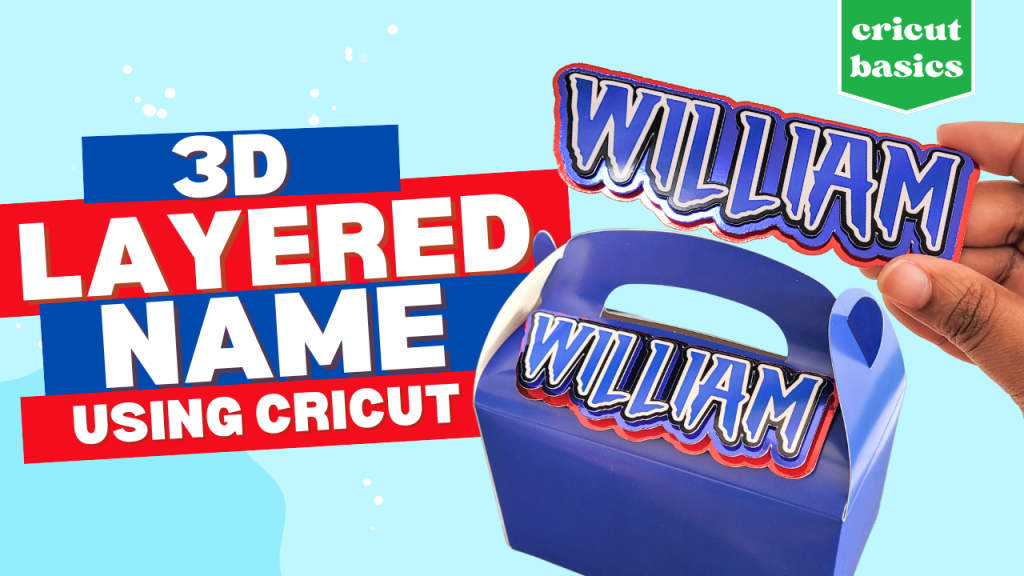
Want to learn how to make 3D layered name for favor boxes, gable boxes, and party decorations? This Cricut tutorial shows you exactly how I design, print, cut and assemble layered names that make your designs pop! Perfect for birthdays, weddings, baby showers and more!
IN THIS POST
GOTTA LOVE 3D LAYERED NAMES

I love this project because it takes something as simple as a name and gives it a fun 3d effect. It takes a simple flat design and elevates it into something even more beautiful. It’s customizable with your favorite colors and cardstock and the finished look always impresses.
Plus, if you’re a visual learner and want to craft along, there’s a full video tutorial so you can follow along step by step. And if you love this tutorial, be sure to check out our how to make face stickers cricut tutorial
xoxo Victoria
SUPPLIES YOU’LL NEED FOR 3D LAYERED NAME
Below are all the items I used
LET’S MAKE 3D LAYERED NAME
1
STEP 1 Create Your Name Design
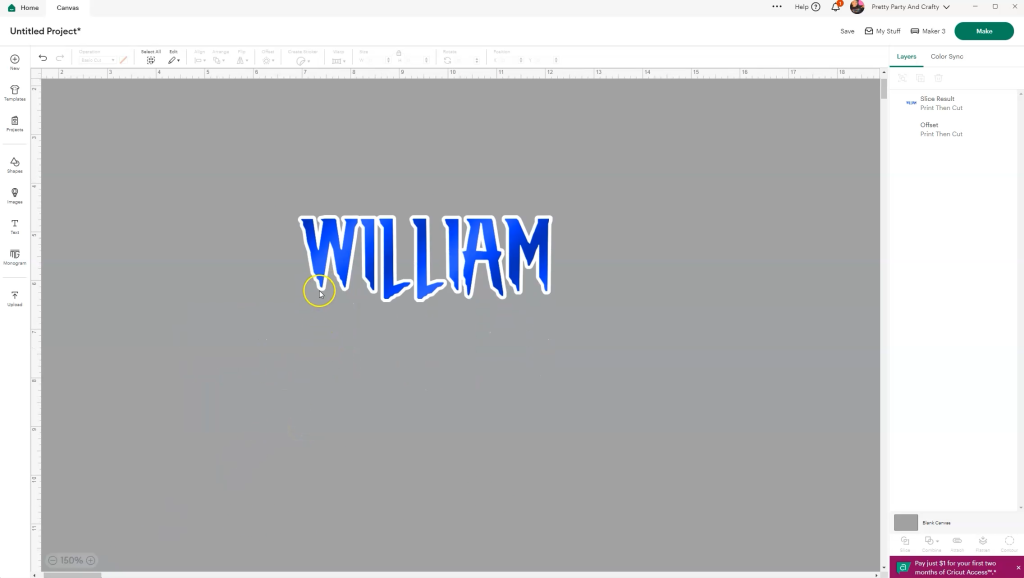
Open Cricut Design Space and start new project on blank canvas. Add test, by typing name, then adjust letter spacing until the letter’s are close. Use pattern fill or the slice tool with a decorative background image if you want a patterned effect and apply the Offset to build a small offset around the name (recolor offset as desired). Flatten the patterned name and offset so it prints and cuts as one piece.
2
STEP 2 Prepare Your Layers
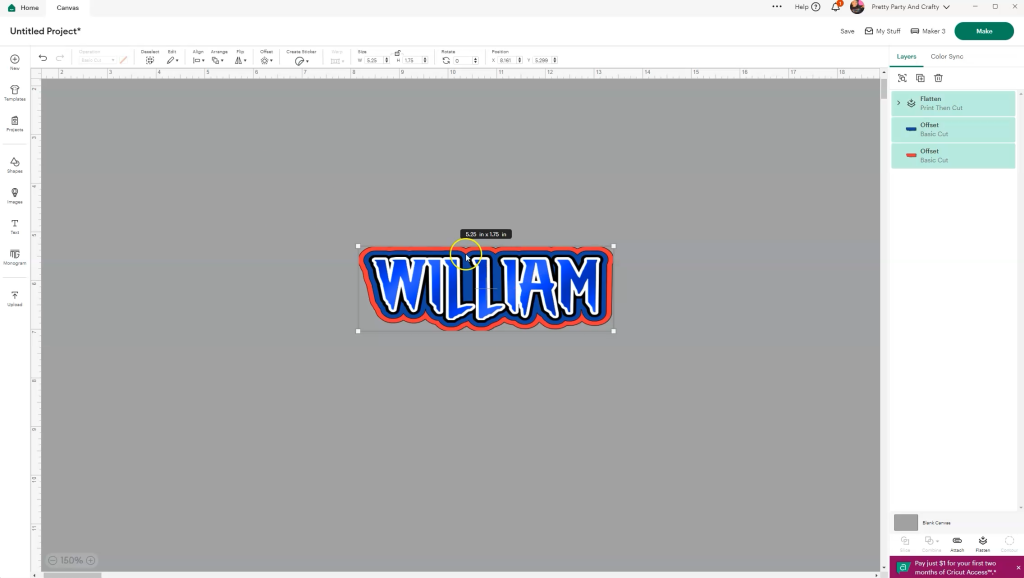
Create two additional offset layers, each offset slightly bigger than the previous offset, and change to basic cut. Resize your entire design to fit your favor box or project. For example, if using a 6×2 gable box, scale the name down slightly smaller than those dimensions.
3
STEP 3 Print then Cut

Send the top layer (flattened patterned name with offset/border) to print, change the number of copies needed, turn on bleed and printer dialog box, and be sure to choose “photo paper glossy” as your paper type in the settings. Once printed, load your mat, and select your material (posterboard works well) and cut.
4
STEP 4 Cut Cardstock Layers
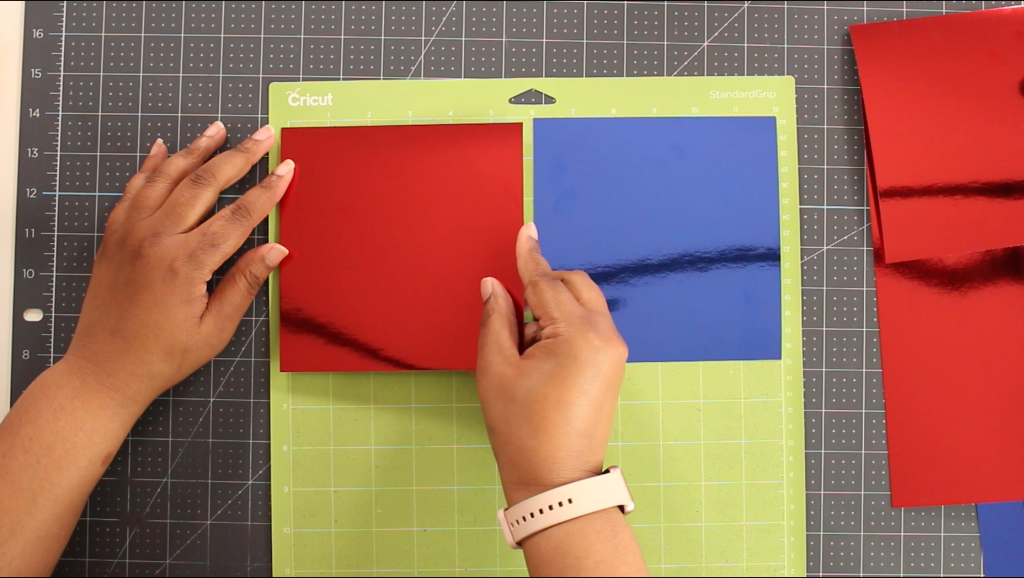
Trim your metallic cardstock to size, so you can fit multiple pieces on the same mat if you’re doing different colors and want to cut them all at the same time. Make sure to arrange the layers to the correct side/color. Otherwise, cut each layer, one at a time.
5
STEP 5 Assemble Your 3D Name
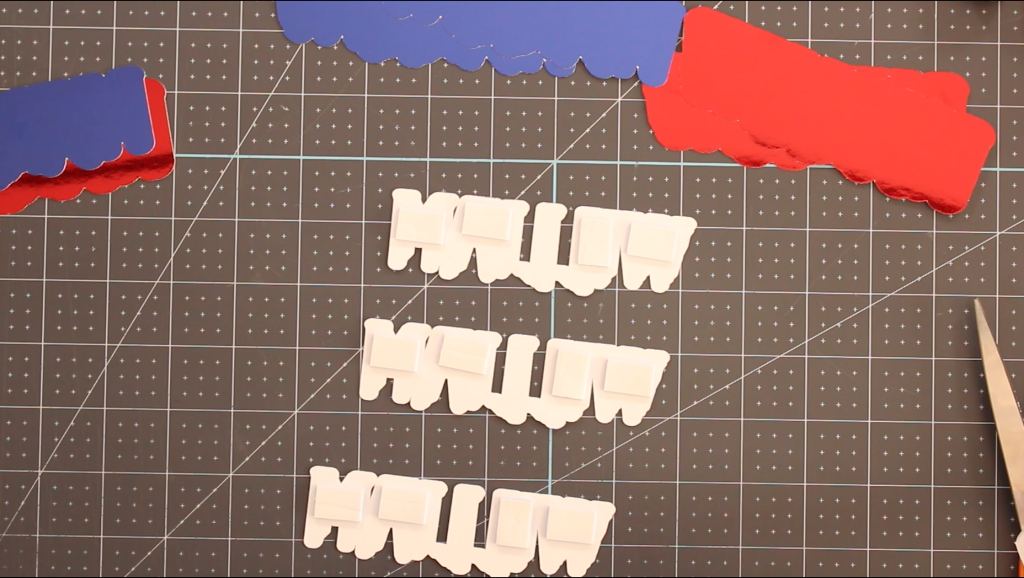
Flip over your top printed layer and add double-sided foam squares to the back. Layer it onto the second offset layer, then repeat with the third layer.
6
STEP 6 Enjoy Your Finished Design
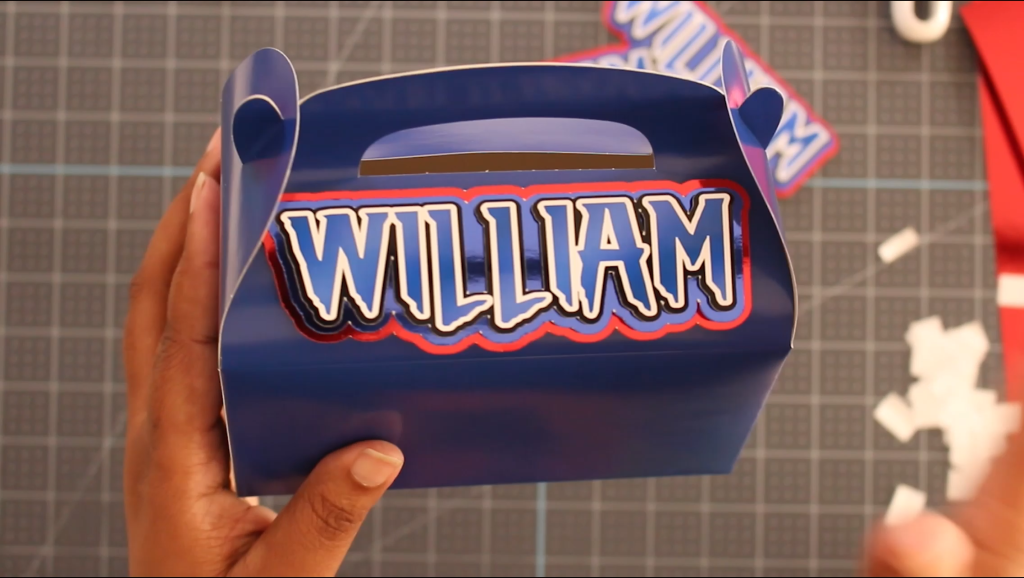
Once assembled, attach your finished layered name to a favor box, gift bag, or any party decor using double sided foam adhesive. Enjoy your finished design.
Video Tutorial
QUICK TIPS
- Use gloves when handling metallic cardstock to avoid fingerprints.
- For extra dimension, double up your foam adhesive if you want your layers to pop even more.
QUICK NOTE:
Love pretty, parties, crafts and free? All that I ask is that you don’t be a stranger and CLICK HERE to follow me on INSTAGRAM or subscribe to my YOUTUBE channel. If you think your friends might like it, share the link to the post and pin the image below. Do that, and you can expect tons more freebies, tutorials, party inspiration, recipes and recommendations!